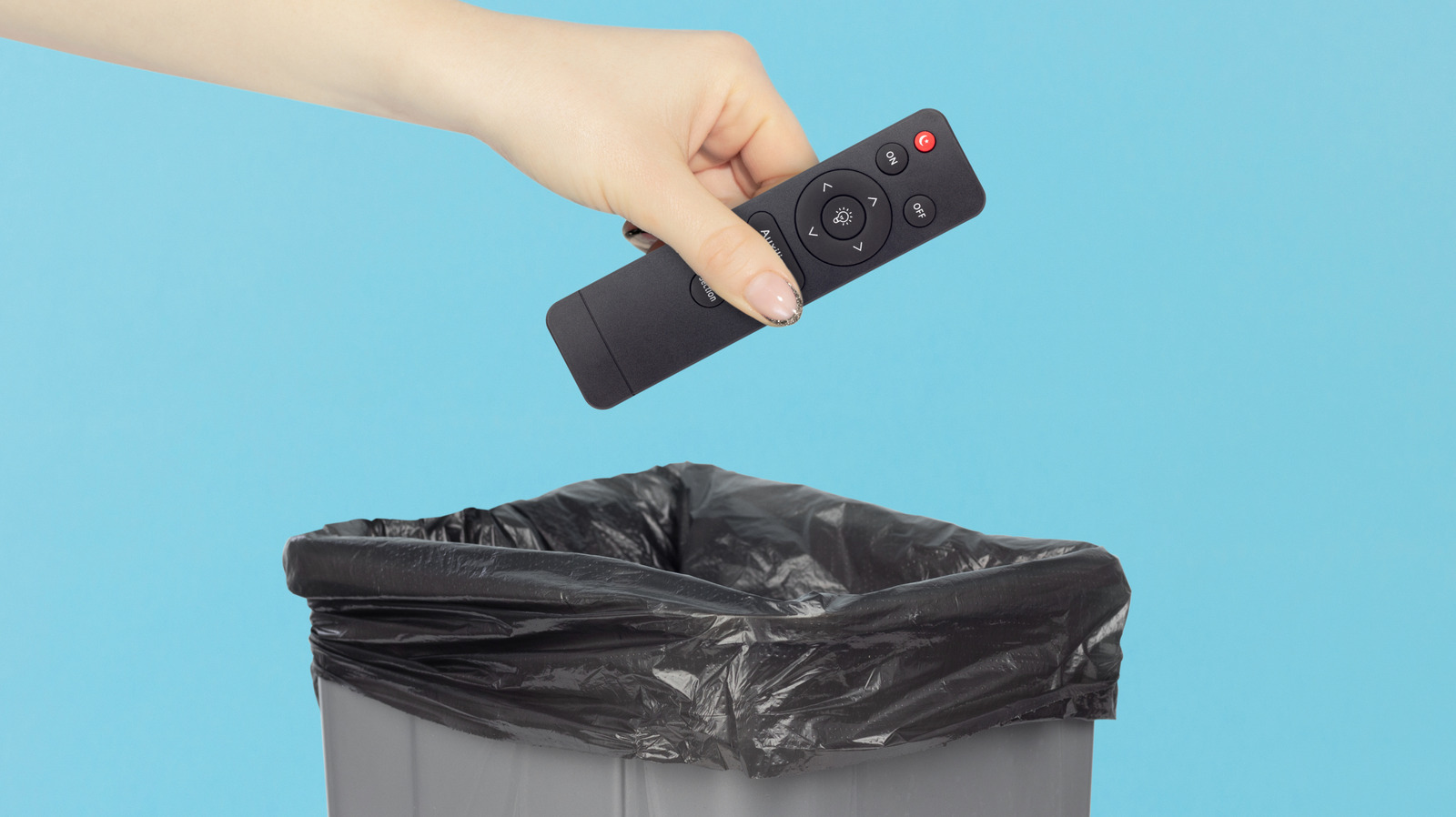
We've all been there—frantically searching for the TV remote while your favorite show is about to start, or dealing with a coffee table cluttered with half a dozen different remotes. What if there was a simpler solution right in your pocket?
Enter Bluetooth Remote, a free third-party app available on the Google Play Store that promises to consolidate all your remote control needs into one convenient smartphone application. This innovative tool leverages Bluetooth technology to connect directly to your entertainment devices, eliminating the need for physical remotes altogether.
The appeal is obvious: instead of keeping track of multiple remotes for your TV, soundbar, streaming devices, and other Bluetooth-enabled gadgets, you can control everything from your phone. This means fewer things to lose, less clutter on your coffee table, and the peace of mind that comes with always having your remote with you—because let's face it, most of us never leave home without our phones.
The app is designed with user-friendliness in mind, making it accessible even for those who aren't particularly tech-savvy. Setup is straightforward, and the interface is intuitive enough that you won't need a manual to figure out how to change the channel or adjust the volume.
Best of all, it won't cost you a penny. Being completely free makes it an easy experiment—you've got nothing to lose by downloading it and testing whether it works with your devices. Whether you have a modern smart TV, a vintage receiver, or anything in between, Bluetooth Remote aims to be compatible with a wide range of Bluetooth-enabled electronics.
Of course, the app works best with devices that have Bluetooth capability, so if you're still rocking older equipment without wireless connectivity, you might need to upgrade to see the full benefits. But for anyone with relatively modern technology in their home, this app could be the simple solution that finally brings order to the remote control chaos.
Why not give it a try? Your living room organization—and your sanity—might thank you.
No comments yet. Be the first!